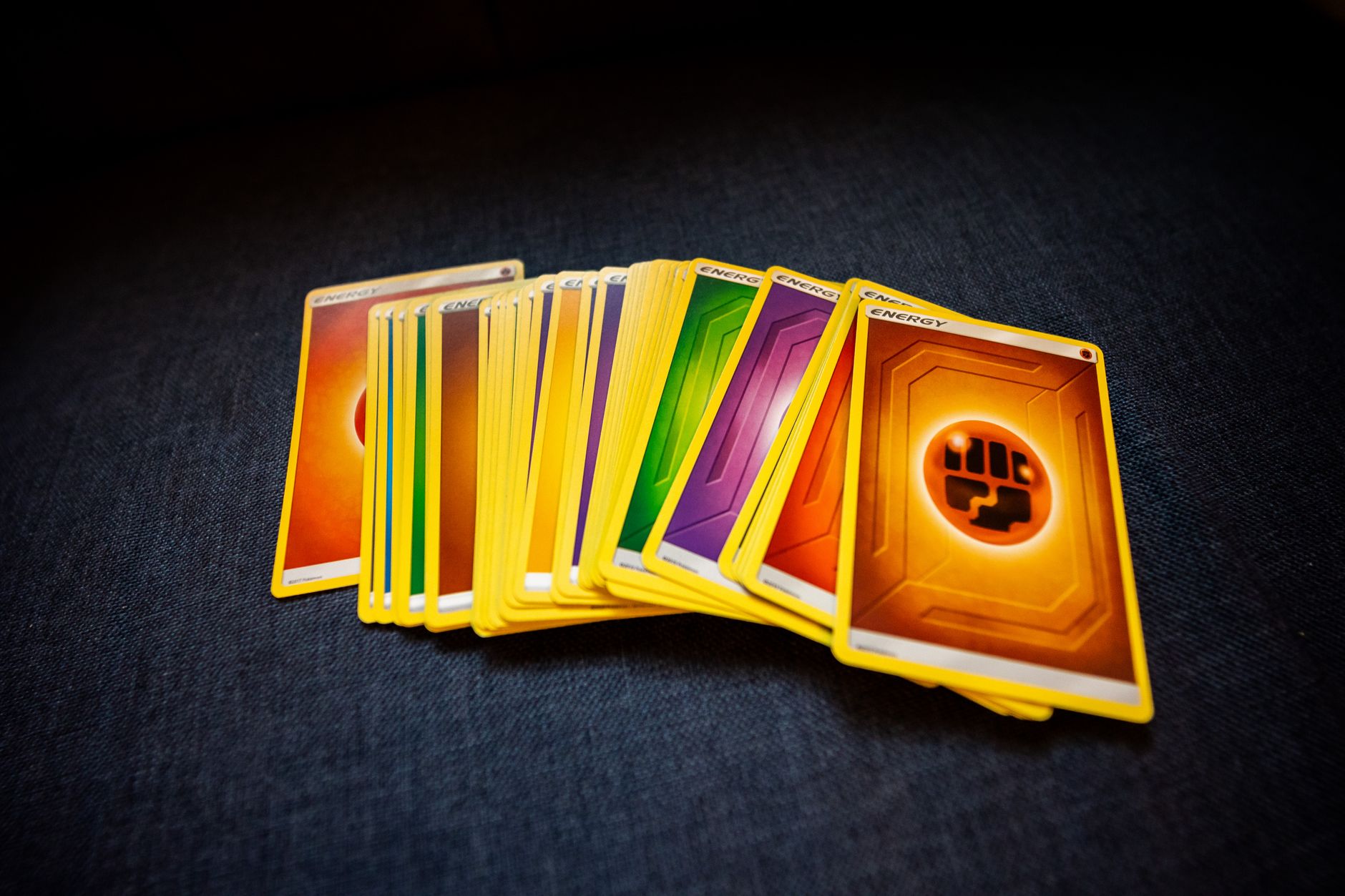
Pokemon card edge whitening is usually wear when white shows through a colored edge or appears as irregular chips on the card's back. A deliberately white border is part of the printed design and should look consistent, sharp, and intentional around the artwork. The key is to inspect where the white appears, whether it interrupts ink, and whether its pattern matches handling damage. Good lighting and comparison with the card's intended layout matter more than a quick glance.
Table of Contents
- Read the Card's Printed Design First
- What Wear Usually Looks Like
- Check Corners, Back, and Surface Together
- A Practical Inspection Routine
Read the Card's Printed Design First
Start with the card's front. Many pokémon cards have light or white framing elements around the illustration, text box, or full-card layout. These printed areas follow straight lines, repeat evenly, and remain inside the card's cut edge. Edge whitening is different.
It usually appears at the very outer perimeter, especially on corners and along the blue-backed reverse of standard Pokémon cards. It can expose a pale inner paper layer where surface ink has rubbed away. Compare the suspected spot with the opposite edge. A real design element normally has a matching visual purpose elsewhere on the card. A single pale nick on one corner does not.
What Wear Usually Looks Like
Wear whitening tends to have an uneven shape. It may look like tiny white dots, short scratches, rough patches, or a thin pale line where the edge has contacted another card, sleeve, table, or storage surface.
Look for signs that the colored ink has been broken: A clean white stripe that sits evenly inside a printed border is generally part of the card's artwork. A ragged white spot that reaches the cut edge is more likely wear.
- White interrupts the blue, black, or other printed edge color.
- The spot is concentrated on a corner or raised edge.
- The border looks rough rather than cleanly printed.
- Several small marks appear on the same side.
- The mark changes in visibility when you tilt the card under light.
Check Corners, Back, and Surface Together
Corners provide the clearest evidence because they take the most friction. A worn corner may show pale fibers, a softened point, or a small loss of blue ink on the back. A white front border can still be perfectly normal if the corner itself remains crisp and the printed layers are intact. Check both sides before judging the card.
A front-facing white border may make a card appear cleaner or more worn than it is, while the back can reveal actual edge loss. On cards with alternate artwork, textured surfaces, or unusual border treatments, use the full layout rather than assuming every pale area is damage. Do not confuse whitening with glare. Direct overhead light can wash out dark edges and make a clean card look pale. Rotate the card under a diffuse lamp or daylight, without bending it, to see whether the white area is printed, reflective, or missing ink.
A Practical Inspection Routine
Use a simple, repeatable check before listing, buying, trading, or sending a card for condition review. Consistency helps you avoid calling normal design features damage.
Avoid rubbing the area with a cloth, fingernail, or cleaning product to "test" it. That can create new edge damage and make an uncertain condition issue worse.
- Place the card on a neutral, non-white surface.
- Inspect the front and back under even light.
- Check all four corners first, then each long edge.
- Tilt the card slightly to separate glare from ink loss.
- Compare questionable areas with photos of the same card or an intact copy.
You Might Also Like
- Pokemon Card Centering: Why Front and Back Measurements Can Tell Different Stories
- How to Photograph Pokemon Card Surface Damage Without Hiding It in Glare
- Pokemon Card Removed From a Slab: How to Document Its New Raw Status