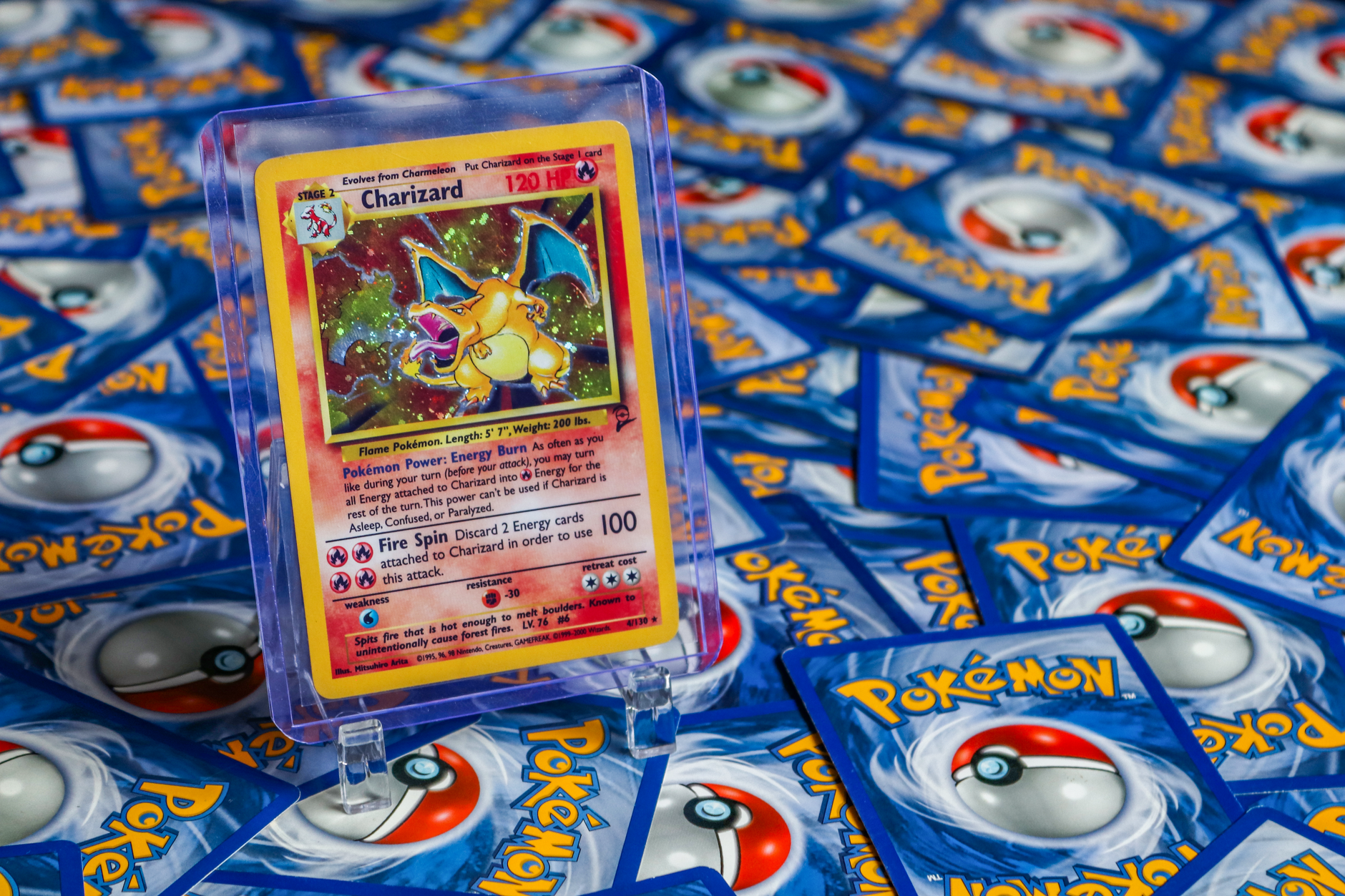
Photos alone can make a Pokémon slab hologram look absent, damaged, or convincing when none of those conclusions is secure. A slab hologram—a reflective security feature on a graded-card holder or label—changes with light and viewing angle, while a photo freezes only one setup. A weak image does not prove a slab is fake, and an attractive rainbow effect does not prove authenticity. Buyers should compare the complete holder, verify its certification details, and request evidence showing how the feature behaves in motion.
Table of Contents
- Why the hologram changes between photos
- What a photo can and cannot establish
- Account for holder and label versions
- Ask for evidence that shows movement
- Check the slab after delivery
Why the hologram changes between photos
Holographic features redirect light differently as the holder moves. A hologram may appear bright in one image, nearly black in another, or show different colors under a second light source. Camera choices add more variation. Exposure adjustments can erase faint details, while sharpening and increased contrast can make edges look stronger than they appear in person.
Reflections from the plastic may also cover part of the security feature. Close patterns can produce moiré, a false ripple or grid caused by interference between the hologram and the camera sensor. Compression from a marketplace or messaging service may then turn fine lines into blocks, bands, or blurred patches. This is why two photos of the same genuine slab can look inconsistent. It is also why a single polished image provides little evidence about how the hologram reacts when tilted.
What a photo can and cannot establish
A clear photo can reveal obvious problems, such as incorrect label text, a poorly aligned insert, unusual seams, or visible holder damage. It can also help confirm that the card, grade, and certification number match the seller's description. However, one image cannot reliably establish depth, movement, or changing reflections. A printed imitation can reproduce one captured view, while editing can strengthen colors or conceal areas that would look suspicious from another angle.
Certification lookup is useful when the grading company offers it, but it answers a limited question. A matching database record can confirm that the number corresponds to a recorded card and grade; it does not prove that the photographed holder is the original physical slab. Treat the hologram as one part of a consistency check. The card, label, holder construction, certification information, and seller's evidence should support the same conclusion.
Account for holder and label versions
Grading companies can revise labels, security features, fonts, and holder construction over time. A genuine older slab may not resemble a current example, and a reholdered card may use a newer design than collectors expect for the card itself. compare like with like whenever possible.
The most useful reference is another holder from the same grading company and design generation, not an unrelated slab or the newest image on the company's website. Pay attention to the full combination of details: One mismatch may have an ordinary explanation, including glare or a holder revision. Several unrelated mismatches deserve more scrutiny before payment.
- Hologram position, size, and orientation
- Label layout, spacing, typeface, and printed information
- Holder shape, seams, edges, and internal supports
- Card name, set, grade, and certification record
- Signs of cracks, clouding, separation, or resealing
Ask for evidence that shows movement
Request an uncut video showing the slab from front to back while it is slowly tilted under a fixed light. The changing angle should make reflective features easier to evaluate than a slideshow of separate images. Ask the seller to include a handwritten note with their name and the current date in the frame.
This does not authenticate the slab, but it helps establish that the seller possesses the photographed item rather than using borrowed listing images. Useful supporting images include: Avoid judging color from a flash-only close-up. Request at least one wider image in neutral light so you can separate the hologram's reflection from glare on the plastic.
- A straight-on photograph of the complete front
- A matching photograph of the complete back
- Angled views of the hologram under plain white light
- Close-ups of the label, certification number, seams, and corners
- A clear view of any crack, scratch, chip, or cloudy area
Check the slab after delivery
Inspect the delivered slab against the seller's original images before removing any packaging or inventory stickers. Confirm that the certification number, card position, scratches, and other small identifying details match. Tilt the holder slowly beneath a single light rather than shining several lights at it.
Examine the hologram from multiple directions, then check the label edges and holder seams for separation, residue, unexpected gaps, or damage. Document the opening and inspection when the purchase value justifies the effort. Keep the listing, messages, payment record, packaging, and clear photographs until you are satisfied that the item matches its description. If the received slab differs materially from the listing, stop handling it and use the marketplace or payment provider's dispute process within the applicable deadline.
You Might Also Like
- Macro Photos of Pokemon Slab Edges: When They Help a Grader or Marketplace
- Can You Verify a Pokemon Slab When the Listing Shows Only Part of the Cert Number?
- Wrong Pokemon Slab Returned to a Seller: Compare Certs Before Making Claims