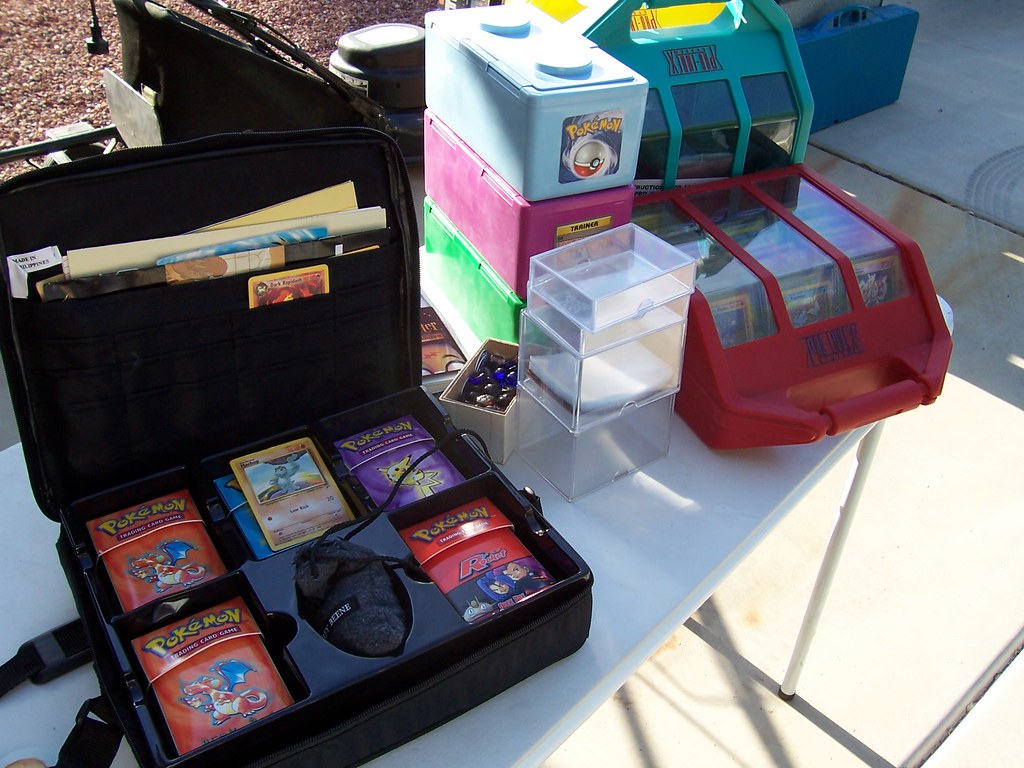
Replace a Pokemon toploader when yellowing changes how the card looks in normal light. A toploader is a stiff, clear plastic case that holds one sleeved card for storage and handling. Swap it sooner if the plastic looks cloudy, scratched, warped, or sticky.
Yellowing is common in older or sun-exposed holders and can make photos less accurate. The tint sits in the holder, not necessarily on the card. A fresh holder restores a clear view for grading, pricing, and trade decisions.
Table of Contents
- Why clear holders turn yellow
- Does yellow plastic damage the card?
- How do you know replacement is due?
- How to move the card safely
- How to slow yellowing on the next holder
Why clear holders turn yellow
Many clear plastics slowly discolor with age, sunlight, heat, and air exposure. A holder near a window, lamp, or warm shelf will often change faster. Storage conditions and plastic type affect the pace, so two holders can age differently.
The change usually starts as a faint warm tint at the edges. It can deepen into an even yellow cast across the front. Once the tint is visible against white paper, it will affect how reds, yellows, and whites read.
Does yellow plastic damage the card?
Yellow holder plastic does not automatically mean the card is damaged. Most collectors keep the card in a soft inner sleeve, which limits rubbing and contact. The main harm is visual: tint can hide whitening, stains, and print color.
Remove the card and check it in clean light when unsure. Look at borders, corners, and the back for wear. If the card looks normal outside the holder, the issue is display and handling, not likely chemical harm.
How do you know replacement is due?
Replace the holder when you cannot judge color, gloss, or edge condition through it. This matters most before photos, sales, trades, or condition checks.
A cloudy holder can also hide dust and grit that may scratch. If one sign is present, move the card to a clean sleeve and holder. Do not wait for several signs when the card has play, collector, or resale value.
- Yellow cast is obvious beside a new holder
- White borders look cream through the plastic
- Front looks hazy, scuffed, bowed, or tacky
- Card sticks, rattles oddly, or is hard to remove
- Photos need heavy editing to show true color
How to move the card safely
Work on a clean, flat table with dry hands. Have a fresh soft sleeve and toploader ready.
Avoid forcing a tight or warped holder open. Stop if the card catches on a rough edge. Open the holder wider or shift the angle rather than pulling harder.
- Slide the card out slowly without bending the top
- Leave the soft sleeve on if it is clean and smooth
- Replace a dirty or split soft sleeve with a new one
- Load the sleeved card straight into the new toploader
- Store the new holder upright, away from pressure
How to slow yellowing on the next holder
Keep holders away from direct sun and strong indoor lamps. Choose a cool, dry shelf, box, or cabinet over a dashboard, attic, or sunny desk. Heat and light speed discoloration in many plastics.
Use a fresh inner sleeve and avoid tape on the holder. Keep holders upright so they do not warp under weight. Check stored cards each season and replace any holder that starts to tint.
You Might Also Like
- Pokemon Card Binder Weight: When a Complete Set Becomes Too Heavy for One Album
- Pokemon Collection Inventory Photos: How to Make Missing Cards Easier to Identify
- Moving House With Pokemon Cards: Packing Binders, Slabs, and Sealed Boxes