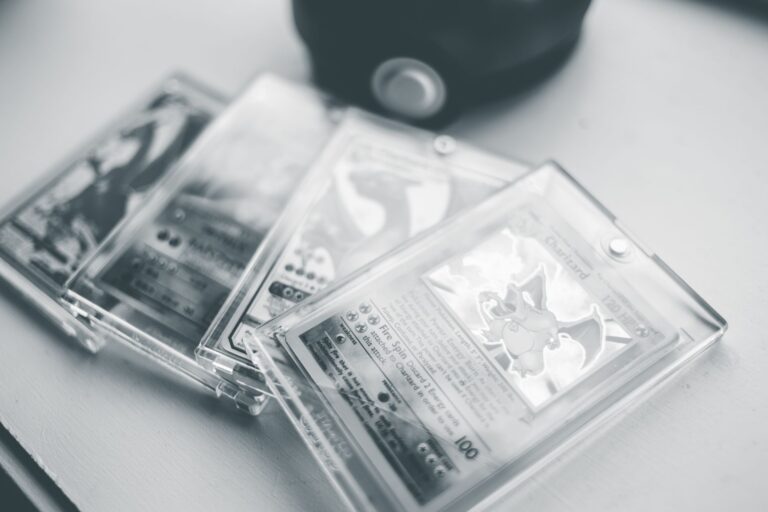
Open the certificate-verification page on the grading company's official website, enter the slab's certification number, and compare its images with the seller's photos. Match the label, holder, card alignment, and fixed card details, while allowing for differences caused by lighting and camera angle. A slab is the sealed plastic holder containing the graded card and its identification label. A matching official image supports consistency, but it does not prove that the seller owns the pictured slab or that the holder is genuine.
Table of Contents
- Find the correct certificate record
- Make the photos comparable
- Compare fixed details first
- Check whether the seller has that slab
- Decide what a mismatch means
Find the correct certificate record
Type the grading company's web address yourself or use its official app. A QR code on a label can be copied or redirected, so confirm that it opens the company's real domain before trusting the page. Check every written field against the listing: Stop if the record describes a different card or grade.
A seller may have made an innocent listing error, but the slab should not be treated as verified until the mismatch is explained. Some valid certificate records may lack photographs. In that case, you can confirm the database entry, but you cannot perform an image-to-image slab comparison.
- Certification or serial number
- Card name, set, year, and card number
- Variant or special designation
- Assigned grade and any subgrades
- Label details shown in the official image
Make the photos comparable
Request clear, straight-on photographs of the slab's front and back. The entire holder, label, card edges, and certification number should remain visible without heavy glare or a covering that hides the surface. Rotate and crop the seller's image so it matches the official image's orientation.
Compare the same areas at similar sizes instead of judging one full image against another. Perspective can change border widths and make a card look off-center. Reflections can also create apparent scratches, dark spots, or color changes, especially on holographic cards and glossy holders.
Compare fixed details first
Start with features that should remain stable. Compare the card's border proportions, print alignment, corner shapes, edge whitening, visible print marks, and other distinctive flaws that appear in both images. Next, examine the label's layout and the holder's shape. Look at text placement, spacing, logos, seams, tabs, and molded details.
Holder and label designs can change over time, so compare with the certificate image for that specific slab rather than a current sample holder. Do not rely heavily on dust, fingerprints, glare, sleeve scratches, or reflected foil colors. Those features can appear, disappear, or move between photographs without indicating a different slab. A fixed mark in the official image should appear in the same location relative to the card artwork or border. Several unexplained differences are more meaningful than one soft, compressed, or poorly lit detail.
Check whether the seller has that slab
A scammer can copy an authentic certification number and official image. Even a perfect database match does not show that the seller possesses the pictured item. Ask for a new photograph showing the slab beside a handwritten note with the seller's name and the current date.
For a higher-risk purchase, request a short video that moves from the note to the front, back, label, and holder edges without cuts. The new image should preserve the same card-specific details found in the official record. A timestamp photo supports possession, but it still cannot establish authenticity as reliably as physical inspection or confirmation from the grading company.
Decide what a mismatch means
A different card, certification number, grade, or fixed print pattern is a serious warning. Do not proceed merely because the certificate exists in the company's database. A holder may have been re-encapsulated, relabeled, or photographed under conditions that obscure details.
If the seller offers that explanation, ask for service records or contact the grading company through its official support channel before buying. When the images remain inconclusive, use a payment method with buyer protection or arrange an in-person inspection where practical. If the seller refuses a fresh, readable photograph of the exact slab, treat the official image as insufficient evidence.